
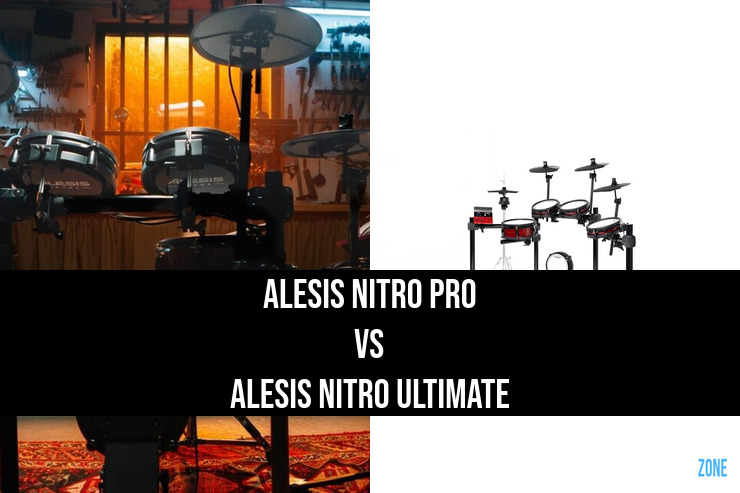
Choose the Nitro Ultimate if a moving hi-hat on a conventional stand and separate cymbal bow and edge sounds are important to your playing. Choose the Nitro Pro if you mainly want a mesh kit for home practice and are happy with a controller-pedal hi-hat. Both already have dual-zone toms and an 8-inch mesh kick tower, so those features alone are not reasons to move up to the Ultimate.
Alesis Nitro Pro vs Alesis Nitro Ultimate (2026) Head to Head


The Alesis Nitro Pro and Nitro Ultimate both give you mesh drum pads and a steel rack, but the Ultimate changes more than the sound library. Its stand-mounted hi-hat and dual-zone cymbals make it the more interesting option for drummers who want to practise a wider range of cymbal techniques. The Pro keeps the setup simpler with a separate hi-hat controller pedal.
Key Differences
The biggest change is under your left foot. The Nitro Pro uses a rack-mounted hi-hat pad with a separate controller pedal. The Ultimate's hi-hat controller and cymbal fit onto a conventional hi-hat stand, which you need to supply. That makes the Ultimate the more relevant choice when you want the physical arrangement of an acoustic hi-hat.
The Ultimate also gives you dual-zone cymbals and two crash pads. The Pro's crash and ride are single-zone, and its standard kit has one crash. Separate bow and edge triggering gives the Ultimate more cymbal playing options without making either kit equivalent to a triple-zone ride setup.
The two modules have their own sound sets. The Ultimate provides more than 640 sounds, while the Pro's manual specifies 513 instruments. A larger library is useful only if you prefer the sounds and use the extra choices. The hi-hat and cymbal changes are the stronger reasons to choose the Ultimate.
The Alesis Nitro Pro is equipped with the Nitro Pro, while the Alesis Nitro Ultimate uses the Nitro Ultimate.
Key Features in Common
Both standard kits include a 10-inch dual-zone mesh snare, three 8-inch dual-zone mesh toms and an 8-inch mesh kick tower. Both kick towers can accommodate a double pedal, although the supplied kick pedal is a single pedal.
Both modules support Bluetooth audio for playing along with music, an auxiliary audio input, headphone monitoring and USB MIDI. Each includes 36 factory kits plus 16 user-kit slots. You can adjust the drum sounds without connecting a computer.
Recording: USB on these modules sends MIDI rather than the module's audio. To record the onboard sounds, connect the analogue outputs to an audio interface. Alternatively, use USB MIDI to trigger a drum instrument on your computer. Bundled drum software runs on the computer; it does not turn the module into a USB audio interface.
Setup and extras: Both include the rack and a kick pedal. The Ultimate additionally needs a hi-hat stand, while the Pro's supplied controller pedal handles hi-hat control. Allow for a throne and headphones or suitable amplification with either kit. Leave room beside the Ultimate's kick tower for the stand's legs, particularly if you plan to use a double pedal.
Choosing the configuration: This comparison covers the standard Nitro Pro and Nitro Ultimate, not their XL versions. Compare the complete setup you will actually use, including any extra stand or pedal, through the View Price buttons.
Price Comparison Between The Alesis Nitro Pro and Alesis Nitro Ultimate
Use the below to get up-to-date prices for both the Alesis Nitro Pro and Alesis Nitro Ultimate
Hi-Hat
Cymbal Pads
Toms
Drum Module
Snare
Kick
Overview
Verdict
The Nitro Ultimate is the more flexible choice for cymbal work and a stand-mounted hi-hat. The Nitro Pro remains a sensible option when you want the same core drum-pad sizes with a simpler hi-hat arrangement. Decide whether the extra cymbal zones and hi-hat setup will change your practice before paying for the step up.
For the entry-level upgrade question, see our Nitro Max vs Nitro Pro comparison.

Matt Taylor